
Features
Working hours and breaks on your terms
You decide how full your day is. Offer appointments close together or make every free slot available. Set working hours, breaks and booking limits for each worker.
The scheduling tools one by one
Appointments close together
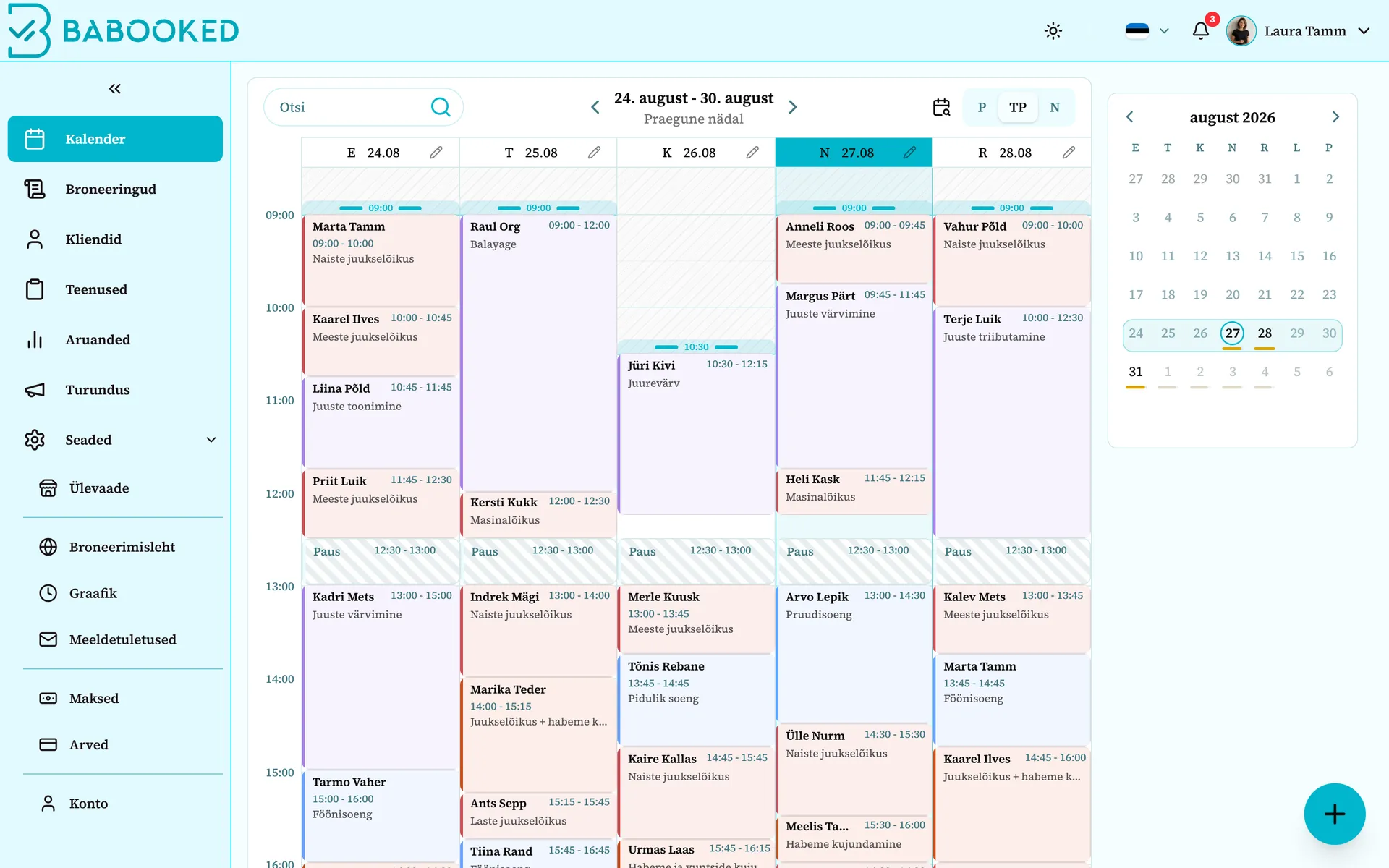
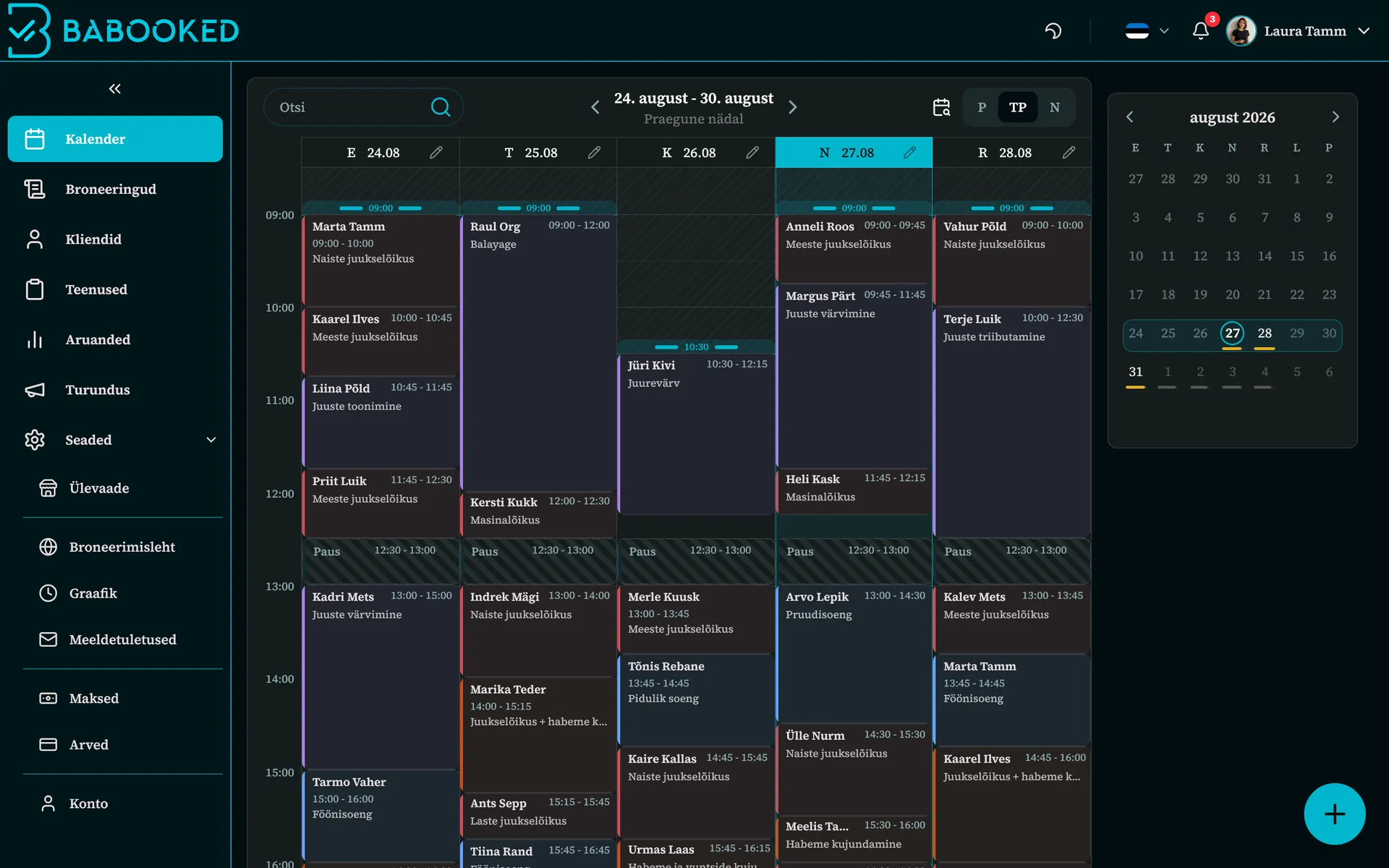
Prefer slots next to existing appointments to reduce short gaps, or offer every available time.
Breaks within your chosen hours
Set a break’s duration and the time window it should fit into. Choose a fixed break if you prefer a specific time.
Drag and arrange
Drag bookings right in the calendar, view a day or a week and the whole team side by side - all from one screen, on your phone too.
How far ahead clients can book
Choose how far ahead clients can book with each worker, for example within the next three weeks.
A repeating weekly schedule
A repeating weekly schedule where every weekday can be different and any single day can be overridden - real life fits in the schedule.
New dates open automatically
With a repeating schedule, new dates become bookable each day according to your advance booking limit.
Your usual week and exceptions
Set a repeating weekly schedule with different hours for each weekday. Change individual dates separately, for example to add hours or take a day off.
If your work does not follow a repeating pattern, set hours day by day. You can also choose when a new schedule takes effect and prepare it in advance.
Frequently asked questions about scheduling
How do I avoid gaps between appointments?
Choose TimeFit in worker settings to offer slots beside existing bookings. This helps reduce short gaps; you can also choose to offer all free slots.
Can I limit how far in advance clients can book?
Yes, for each worker separately. A three-week limit lets clients choose dates within the next three weeks. With a repeating schedule, new dates become available as time passes.
How do I block out lunch in the calendar?
Choose a fixed break at a set time or a flexible break. For a flexible break, set its duration and the time window within which the system finds space.
Do I have to rebuild the schedule every week?
No. The weekly schedule repeats on its own and every weekday can be different. A single day can be changed on its own without breaking the repeating pattern, so a sick day or a longer Friday still fits into the schedule.
See for yourself
The demo is the real product with sample data, and it opens without any signup.