
Features
Your booking page, your terms
Clients can book when you cannot answer. Your page carries your logo, colors and services, with availability taken from your calendar.
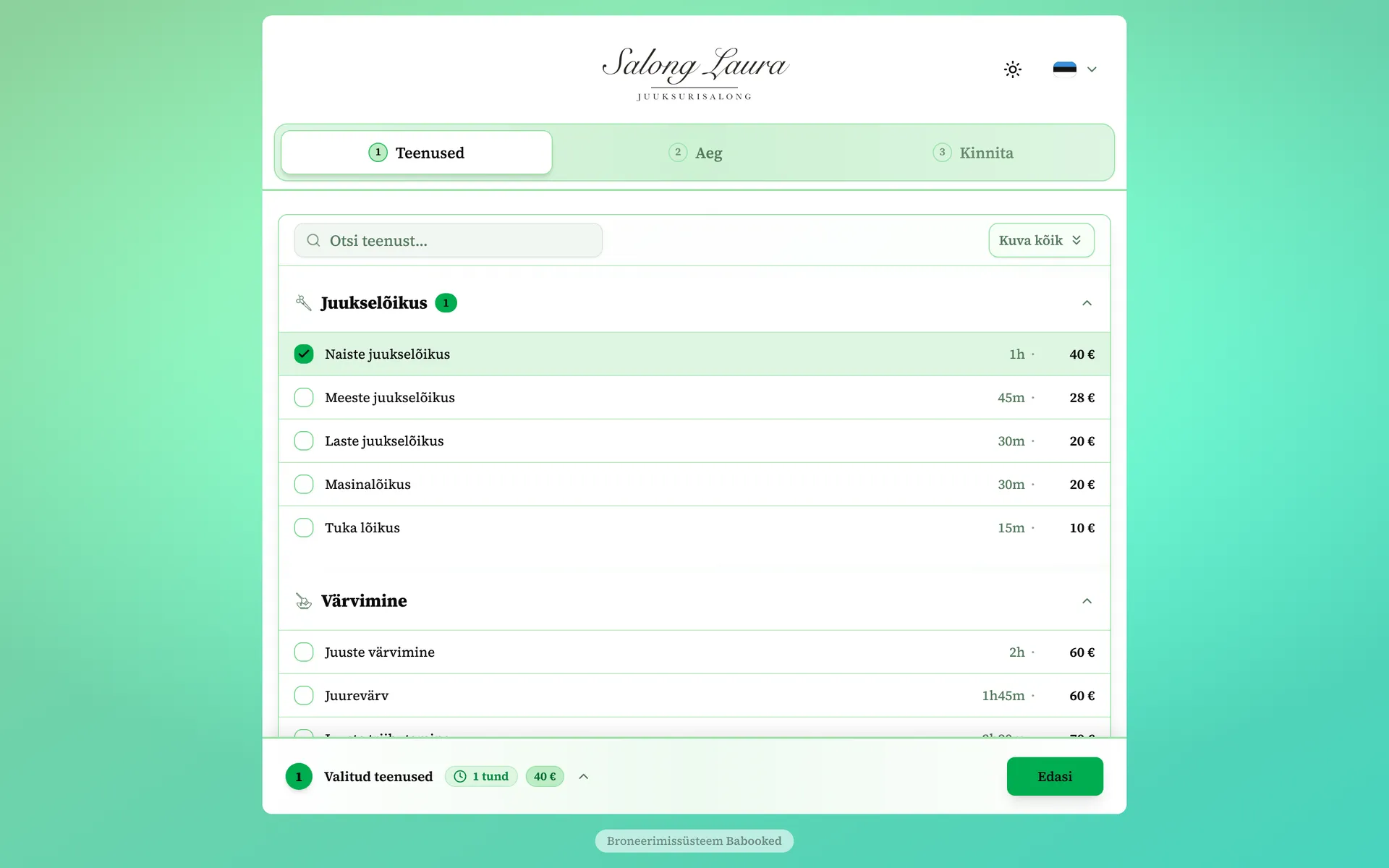
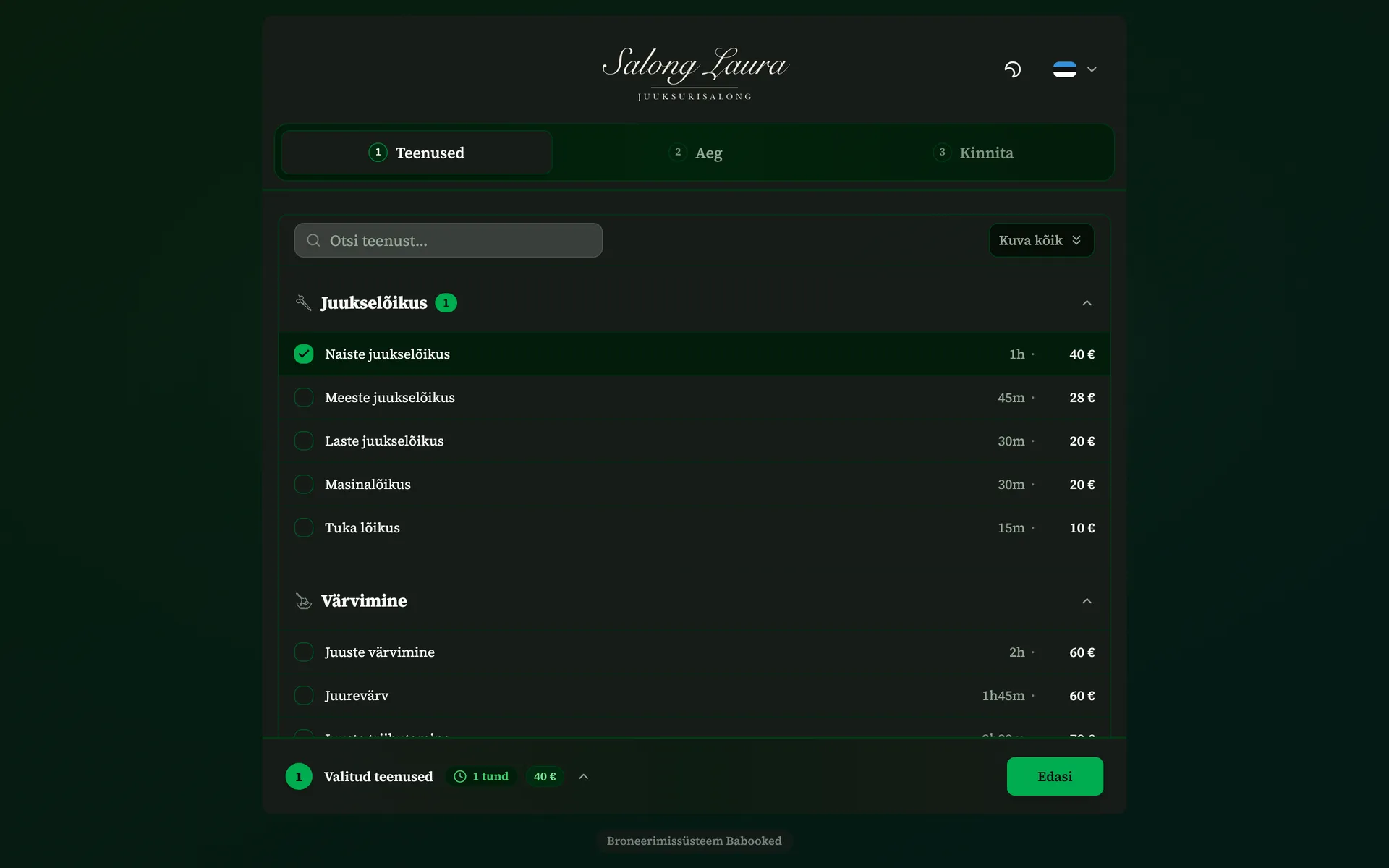
What the booking page includes
Your brand and colors
Choose your logo, colors and light or dark appearance. Preview the page as clients will see it.
A link that works everywhere
One link in your Instagram bio, on Facebook or your website - clients book from wherever they already find you.
Your page and its content in the client’s language
Provide translations of service names and descriptions so clients can find what they need in their language.
Availability matches your calendar
Clients choose from available calendar slots. Availability is checked again when the booking is confirmed.
Booking with a code
You can limit online booking for a worker to clients who have a booking code.
Your rules
Booking terms and the cancellation window are yours to set - clients agree to them before confirming.
All bookings in one calendar
When a client calls or messages, add their booking to the calendar yourself. Your booking page also accounts for these appointments, so you can manage everything in one place.
Create an invoice from a booking and send it to the customer. You decide when to create and send it.
Frequently asked questions about online booking
How do I let clients book their own appointments?
Set up services and working hours, then share your booking link. Clients choose a service, worker and available time, then confirm. They do not need an account or an app.
How do I add a booking link to Instagram or Facebook?
Your booking page is an ordinary web address, so paste it into the links section of your Instagram bio or behind the button on your Facebook page. The same link works in a post, in an email and on your Google Business Profile - no separate app and no extra fee for any of it.
Can I put the booking page on my own website?
Yes. Add a button or link that opens your booking page. Choose the page’s colors and logo yourself.
What happens if two clients book the same time slot?
The system checks that the slot is still available at confirmation. If it has been booked, the client needs to choose another time.
See for yourself
The demo is the real product with sample data, and it opens without any signup.